Clean up Your iTunes and Mac Music App Library


Remove Duplicates from iTunes and Music App
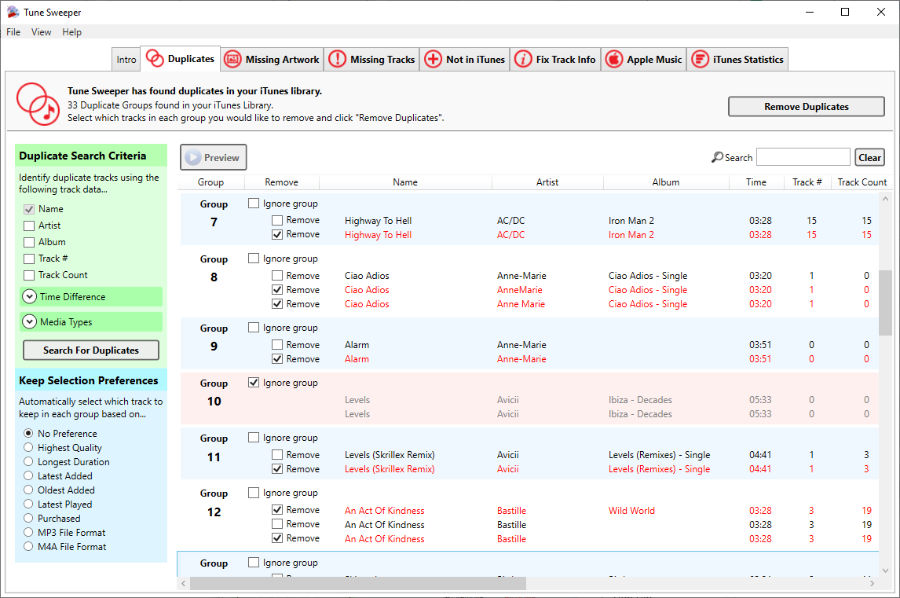
Quickly view all the duplicate tracks in your iTunes and Music library. Automatically select which tracks to keep based on quality, last played or length. Remove the rest to your recycle bin at the click of a button. Tune Sweeper knows which tracks are based in the cloud and so can make an intelligent suggestion on which tracks to keep when you use the 'iTunes remove duplicates' function.
Find out more >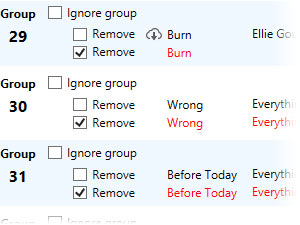
Download Missing Artwork
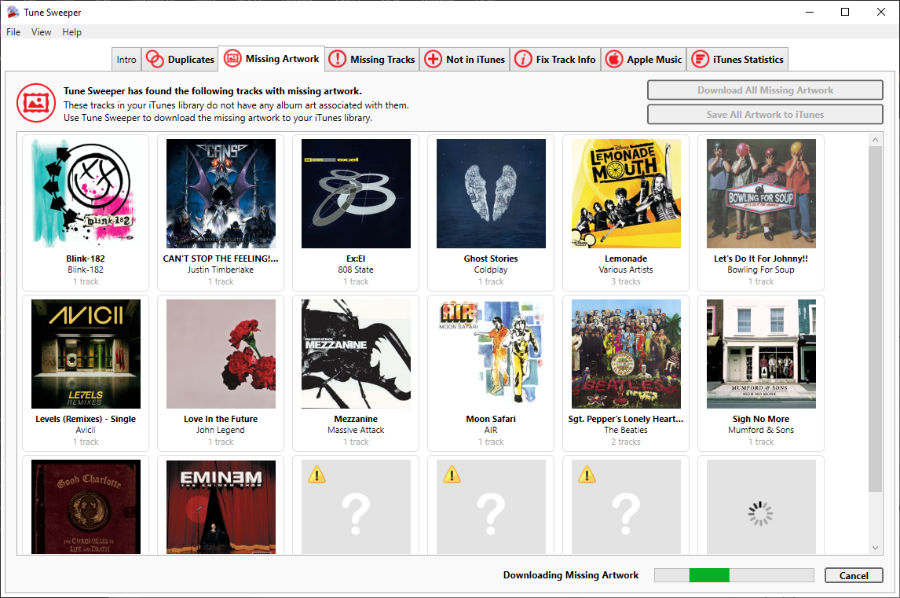
Tune Sweeper searches your iTunes and Music App library for tracks with no artwork and searches the Internet for suitable artwork. Tune Sweeper automatically downloads new artwork to iTunes and Music App.
Find out more >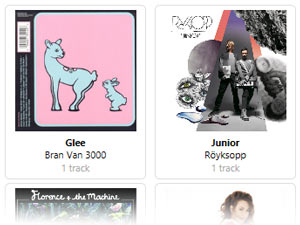
Fix missing or incorrect track details
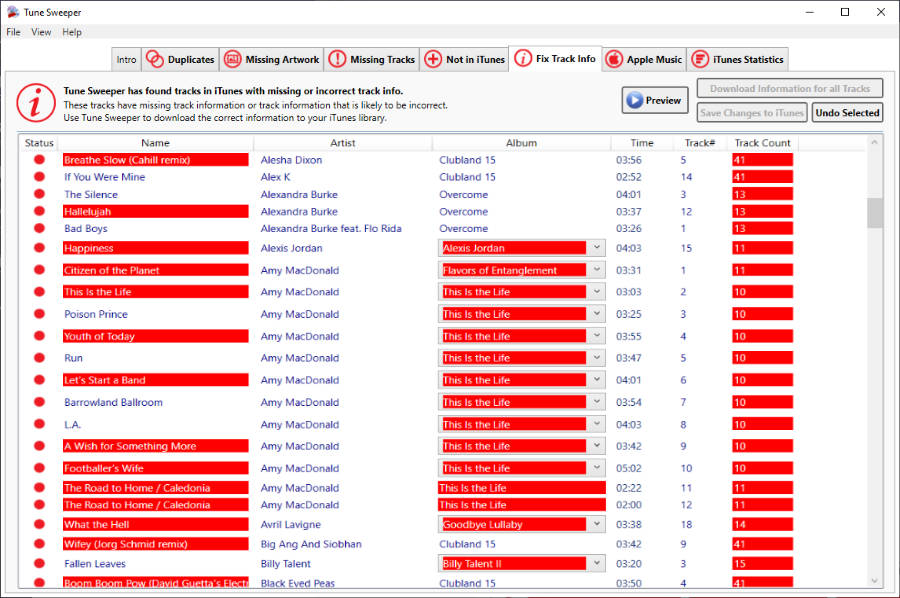
Use Tune Sweeper to identify mislabelled tracks and songs with missing metadata and quickly fill in the blanks and fix any incorrect titles, album info and other song data. Tune Sweeper uses advanced digital fingerprinting technology to identify your music and download the correct track information to your iTunes or Music App library automatically!
Find out more >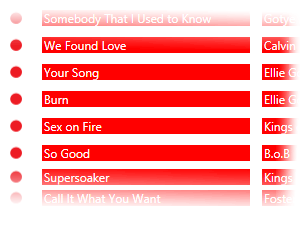
Find Tracks not in iTunes or Music
Tune Sweeper scans your computer to quickly search for music not in your iTunes library. Use Tune Sweeper to then quickly add this new music to iTunes and Music App.
Find out more >
Remove Songs with Exclamation Points
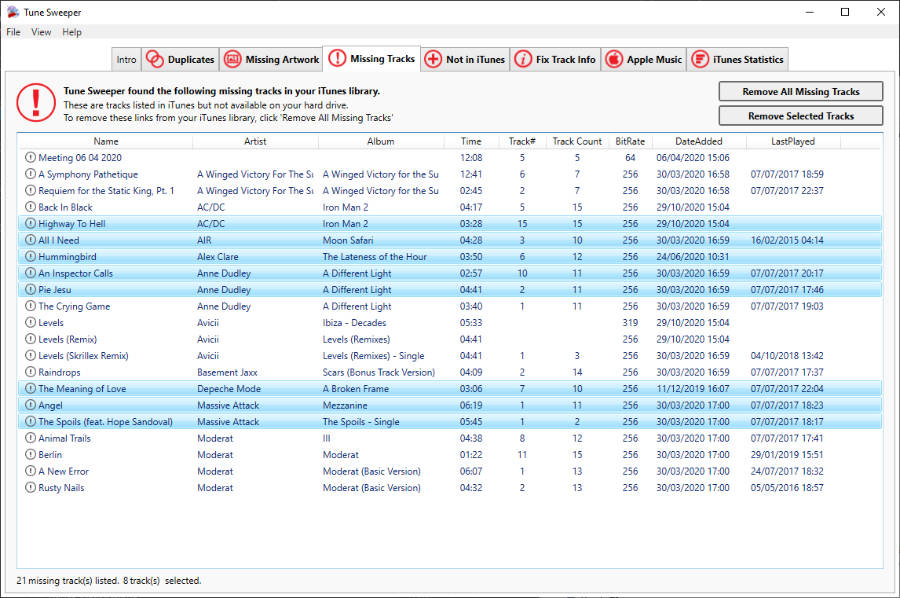
Tune Sweeper will detect and remove tracks in your iTunes library that are no longer on your hard drive. No more exclamation points when you try playing music!
Find out more >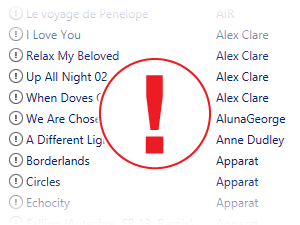
Quickly identify tracks from an Apple Music subscription
Apple Music is a great way of discovering new music. Tune Sweeper lists the Apple Music tracks you have added to your Music library - which will vanish if you cancel your Apple Music subscription. Optionally, purchase these tracks to keep them in your library.
Find out more >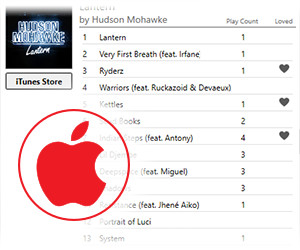
Learn more about your iTunes library
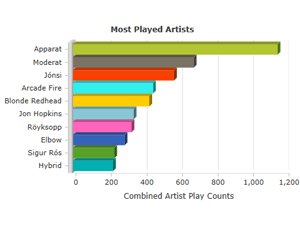
For a bit of fun, Tune Sweeper will summarize your most listened to Artists and Genres in iTunes. You may be surprised what Tune Sweeper can tell you about your listening habits!
Find out more >